Scanning class names
Write complete class names, handle changing values, and include the sources a static build needs.
On this page
#Overview
Make class names available to static builds without making changing values into new classes. Write complete alternatives, use CSS variables for continuous values, and adjust source discovery only when an input falls outside the integration’s normal scope. Native CSS removal has its own delivery workflow.
#Keep complete classes in source
The scanner reads source text; it does not run your application. When a component selects a status color, write each complete class:
const className = error ? 'bg-red-60' : 'bg-green-60'For static extraction, fragments such as 'bg-' + tone do not supply the complete result. Use a finite map when several states select a class:
const statusClasses = { error: 'bg-red-60', success: 'bg-green-60' }const className = statusClasses[status]The scanner can find both alternatives without executing this lookup. Runtime and progressive rendering can generate new valid utility names first known in the browser; complete source strings are a static scanning requirement, not a ban on dynamic utilities. See Rendering modes for that choice.
From source to utilities
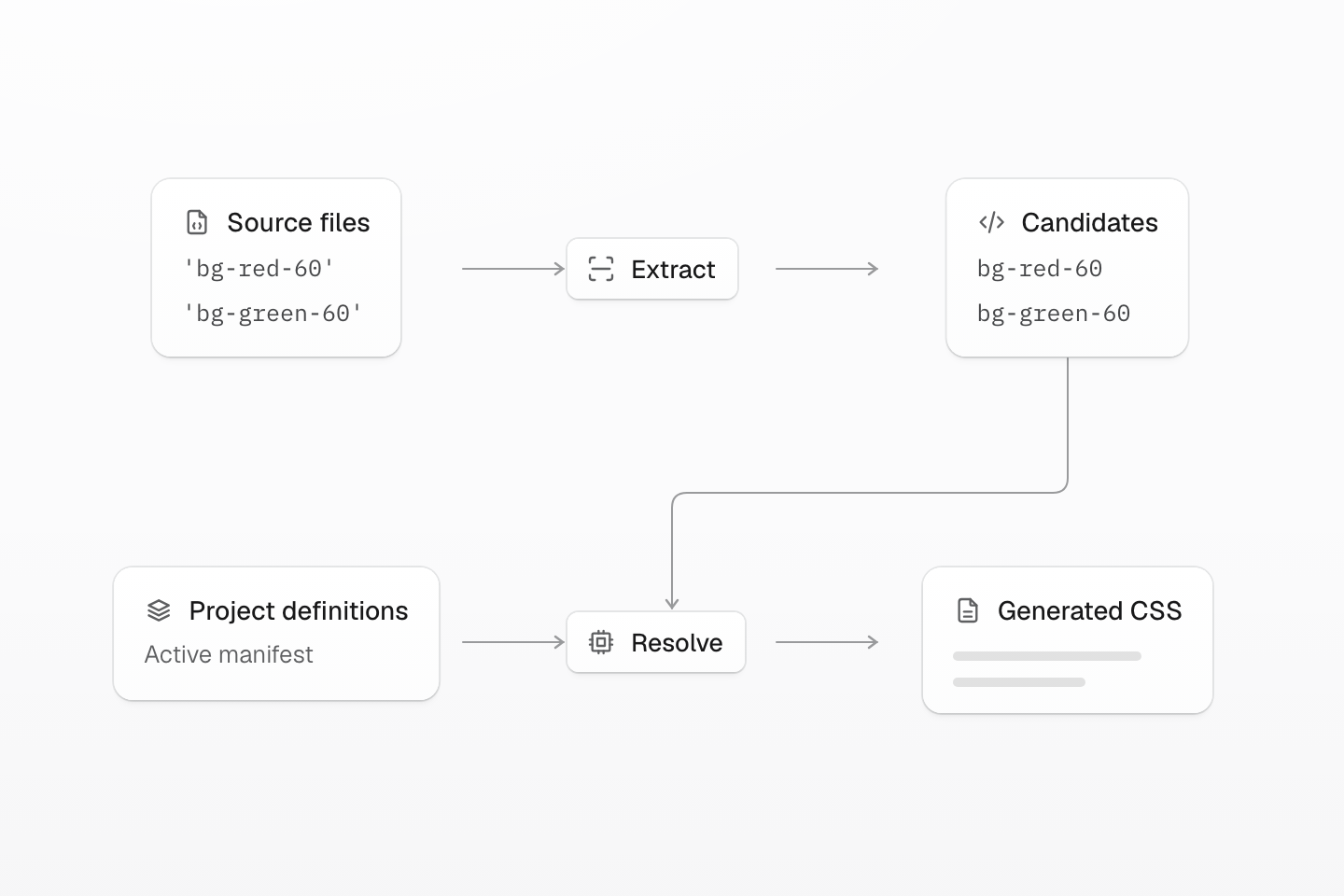
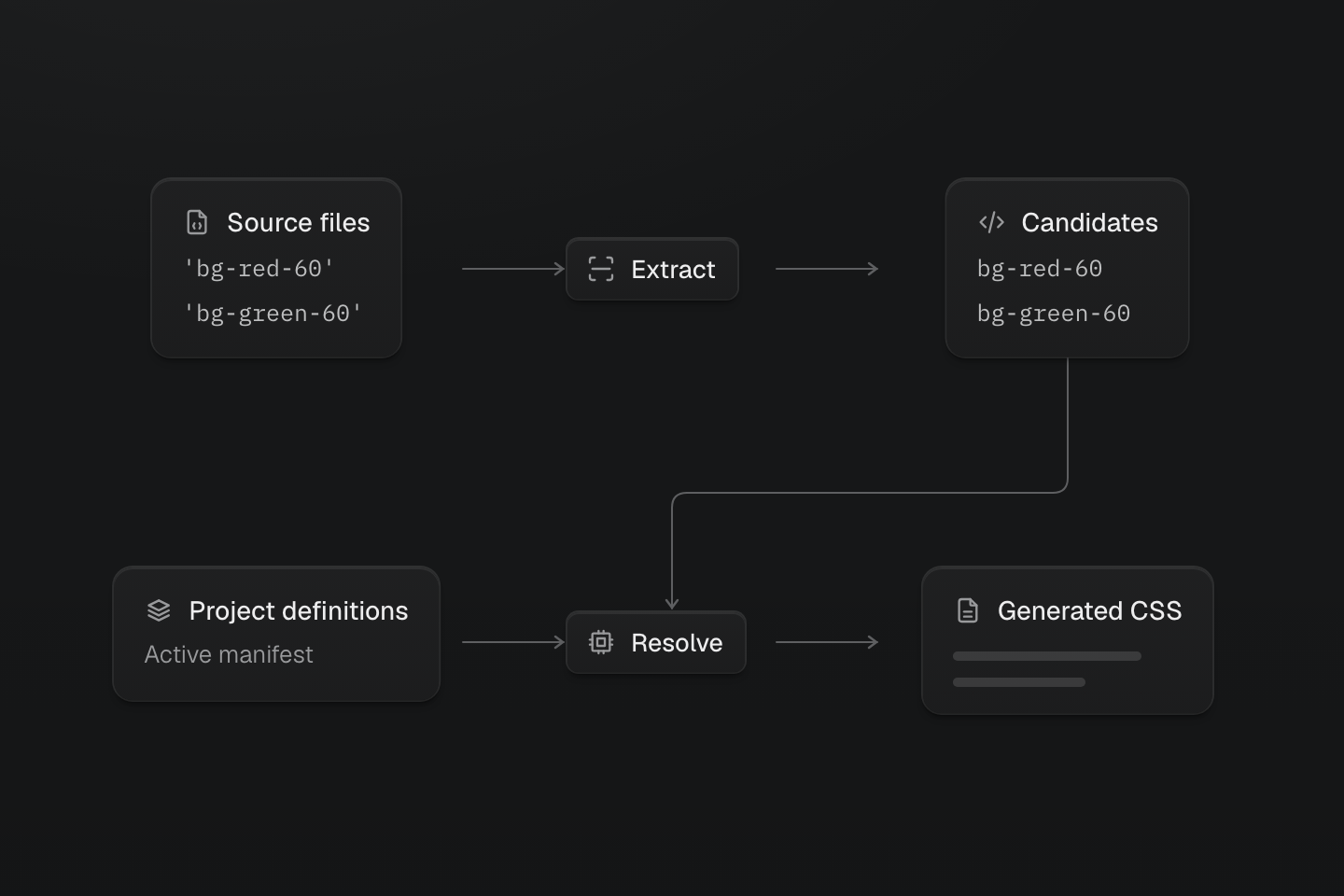
Native class usage also feeds pruning, even when a class is not a Master CSS utility.
Text description
- Discover. Find app sources through integration defaults or explicit source directives.
- Extract. Read complete candidate strings without executing application code.
- Resolve. Use the active manifest to generate rules for recognized Master CSS classes.
Both branches are visible even though only one is used at a time. The active project definitions determine what each class generates:
Generated CSS
@layer theme { :root, :host { --color-green-60: oklch(67.52% .2298 142.5); --color-red-60: oklch(60.94% .2501 29.2) }}@layer utilities { .bg-green-60 { background-color: var(--color-green-60) } .bg-red-60 { background-color: var(--color-red-60) }}Static alternatives are visible before a branch runs
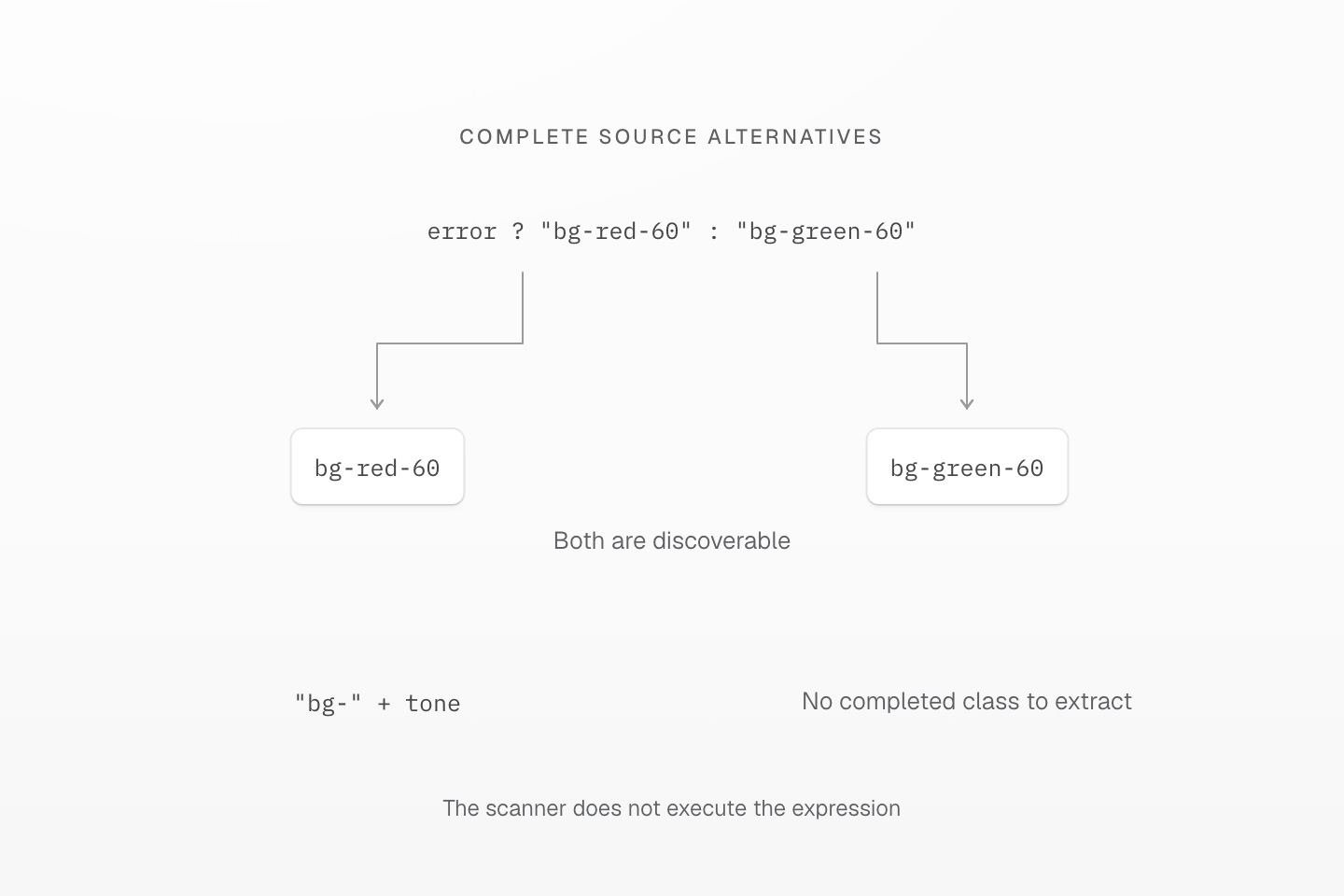
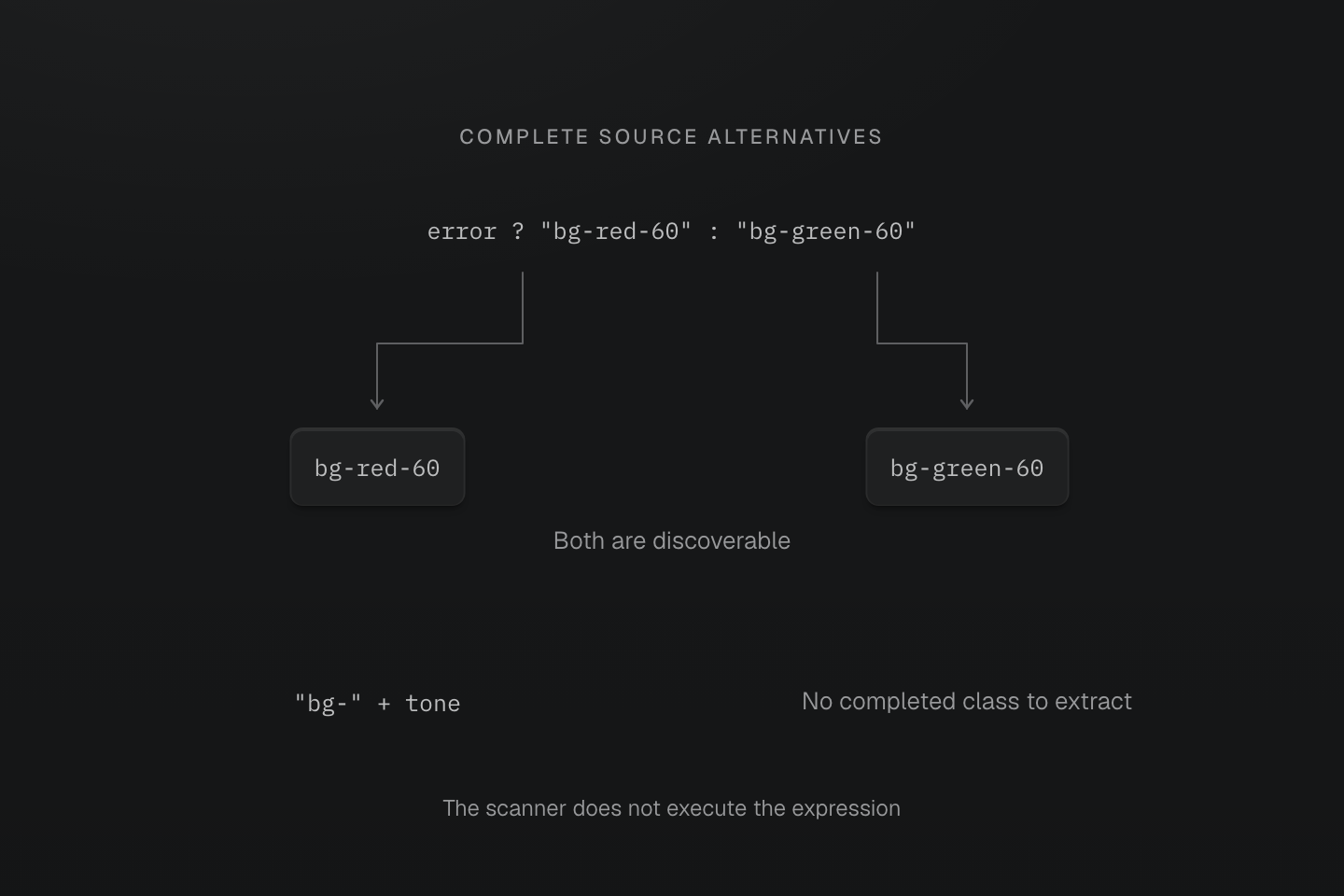
The two branches are source alternatives, not executed steps. Extraction neither predicts the chosen branch nor invents a concatenated class name.
Text description
- error ? "bg-red-60" : "bg-green-60" exposes both complete static class strings to extraction.
- "bg-" + tone does not expose a complete resulting class. The scanner does not infer the value of tone.
- Use complete alternatives for bounded choices, or a stable class with a dynamic CSS variable when the value itself is unbounded.
#Keep changing values out of class names
Suppose a heading's size comes from an editor control. Keep its class complete and change the custom property on the element:
<h1 id="headline" class="(font-size:var(--headline-size))" style="--headline-size: 2rem"> Launch notes</h1>document.getElementById('headline').style.setProperty('--headline-size', '3rem')Generated CSS
@layer utilities { .\(font-size\:var\(--headline-size\)\) { font-size: var(--headline-size) }}After a static build, run the JavaScript in the browser console. The heading grows without adding a class or generating a new rule. A local custom property needs no @theme registration or Master CSS runtime. If a class name itself first exists after startup, use runtime or progressive rendering.
Change a variable while keeping the rule stable
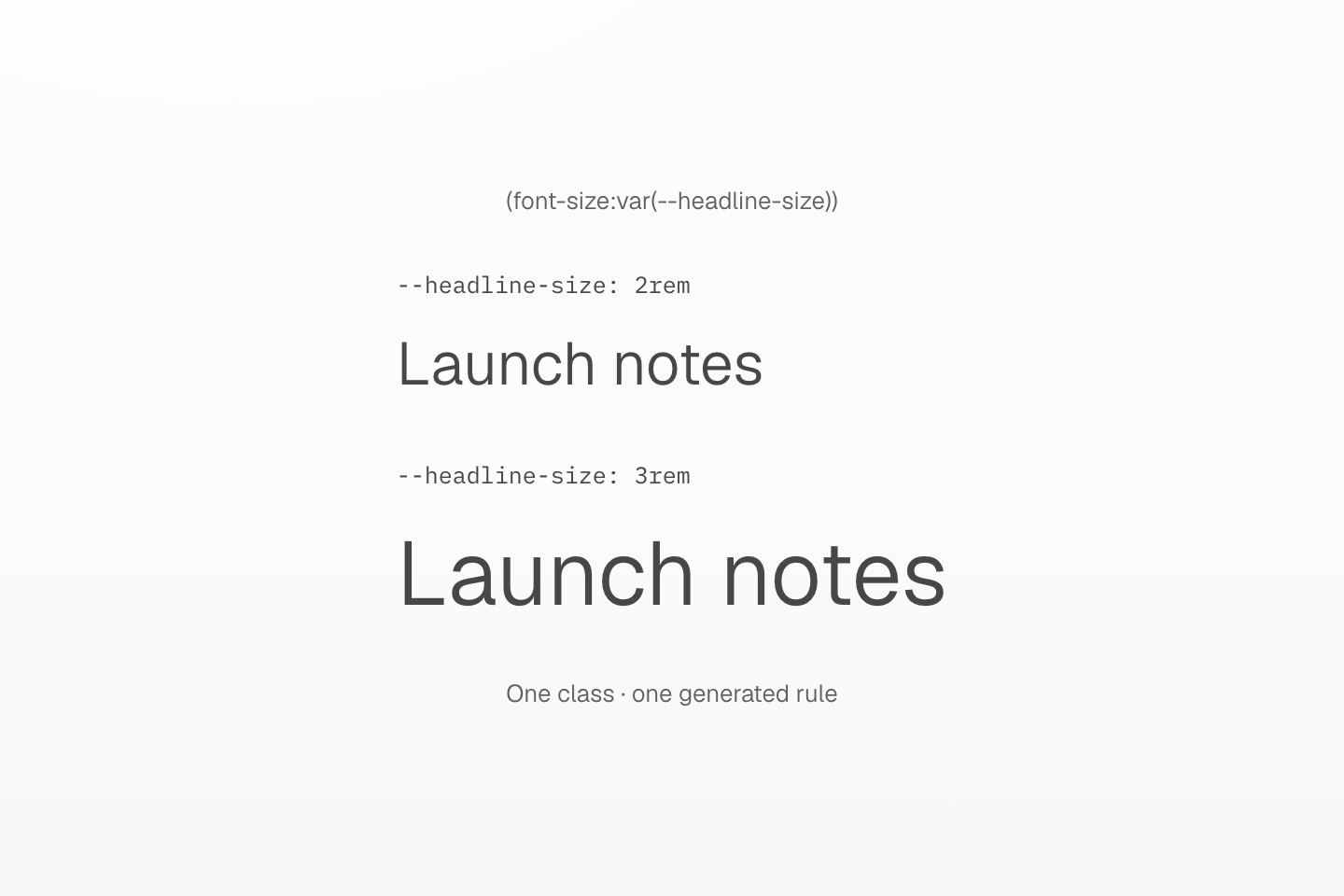
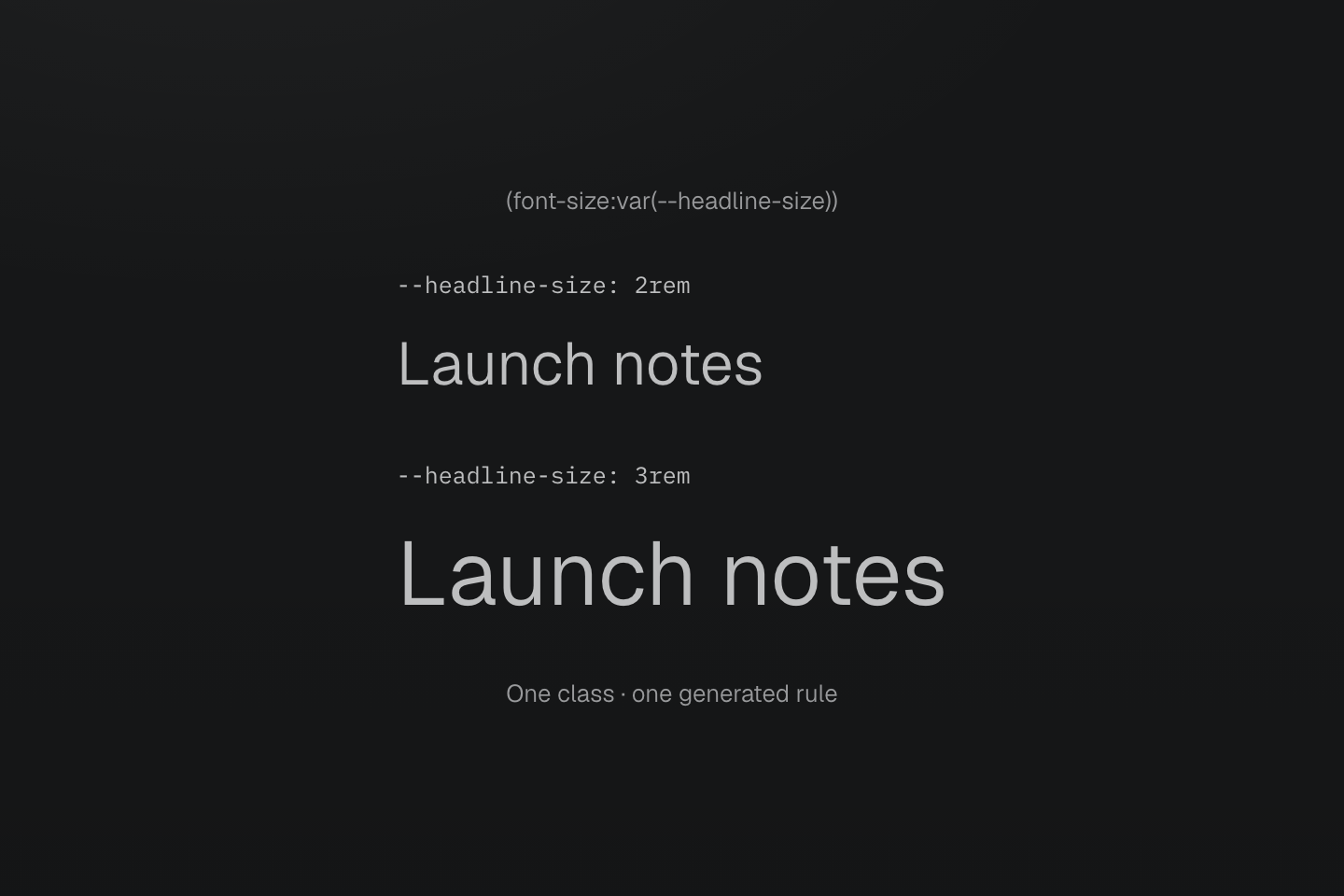
The browser resolves the updated custom property. A static stylesheet already contains the complete rule.
Text description
The same font-size class appears above two headings. Changing --headline-size from 2rem to 3rem enlarges the second heading without introducing another class.
#Include sources outside normal discovery
Start with your integration or CLI’s ordinary source discovery. If a shared component directory is outside that scope, add an explicit source in the stylesheet that owns the scan. Paths are relative to the stylesheet:
@import '@master/css';@source "../shared/**/*.tsx";@source not "../shared/**/*.test.tsx";This example includes a sibling shared/ directory and excludes its tests. Keep the pattern as narrow as the required inputs. @source supplies class candidates; it does not import a stylesheet or decide cascade precedence. Do not add the whole repository merely because one component is missing.
For a bounded set of utility names supplied by external content, list the complete candidates:
@safelist "bg-red-60" "bg-green-60";A safelist makes these candidates available to generation; it does not add classes to elements or make an invalid name valid. Use variables for unbounded values instead of trying to enumerate them. @blocklist excludes candidates; inspect that policy when a discovered class still produces no CSS.
Discovery and retention answer different questions
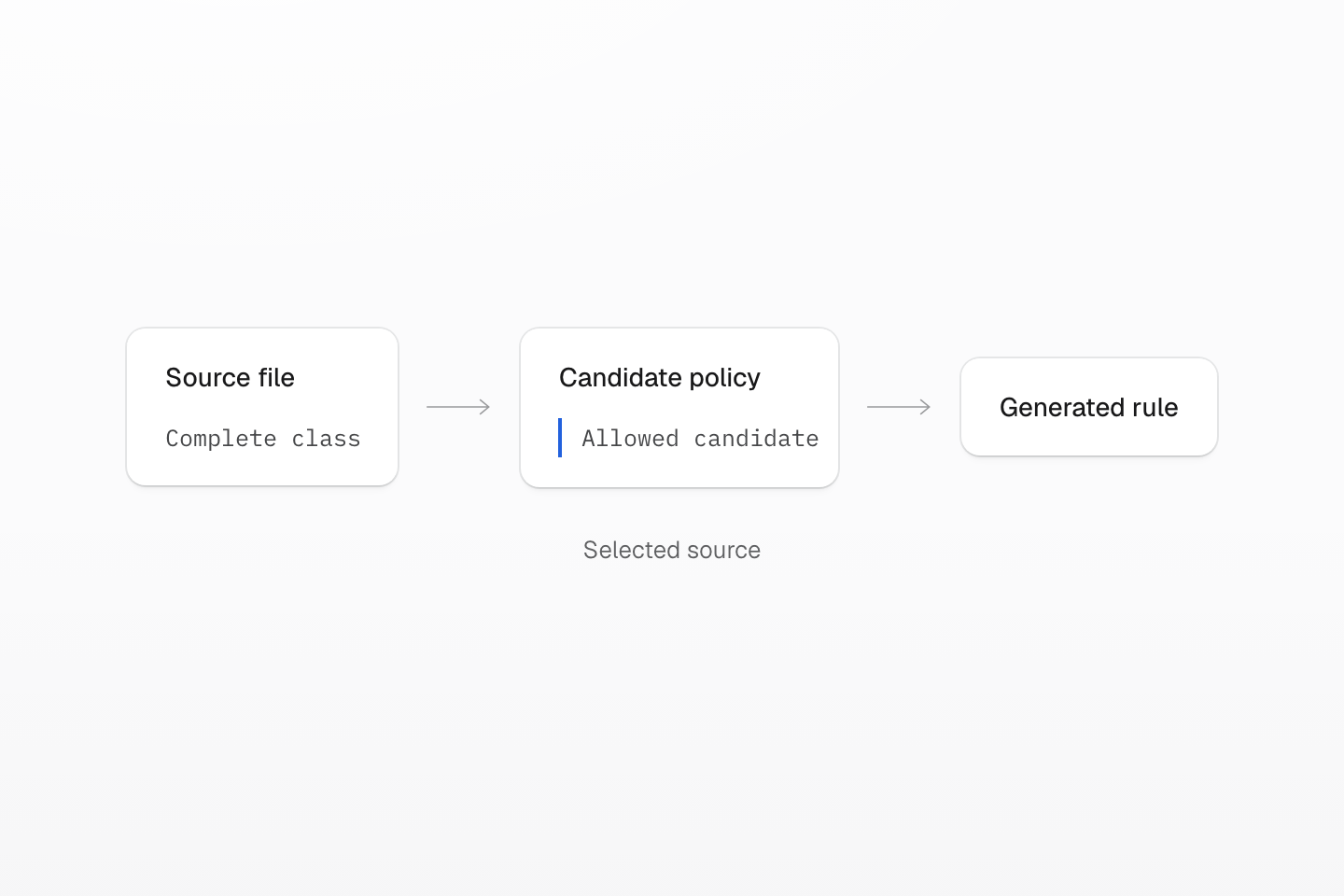
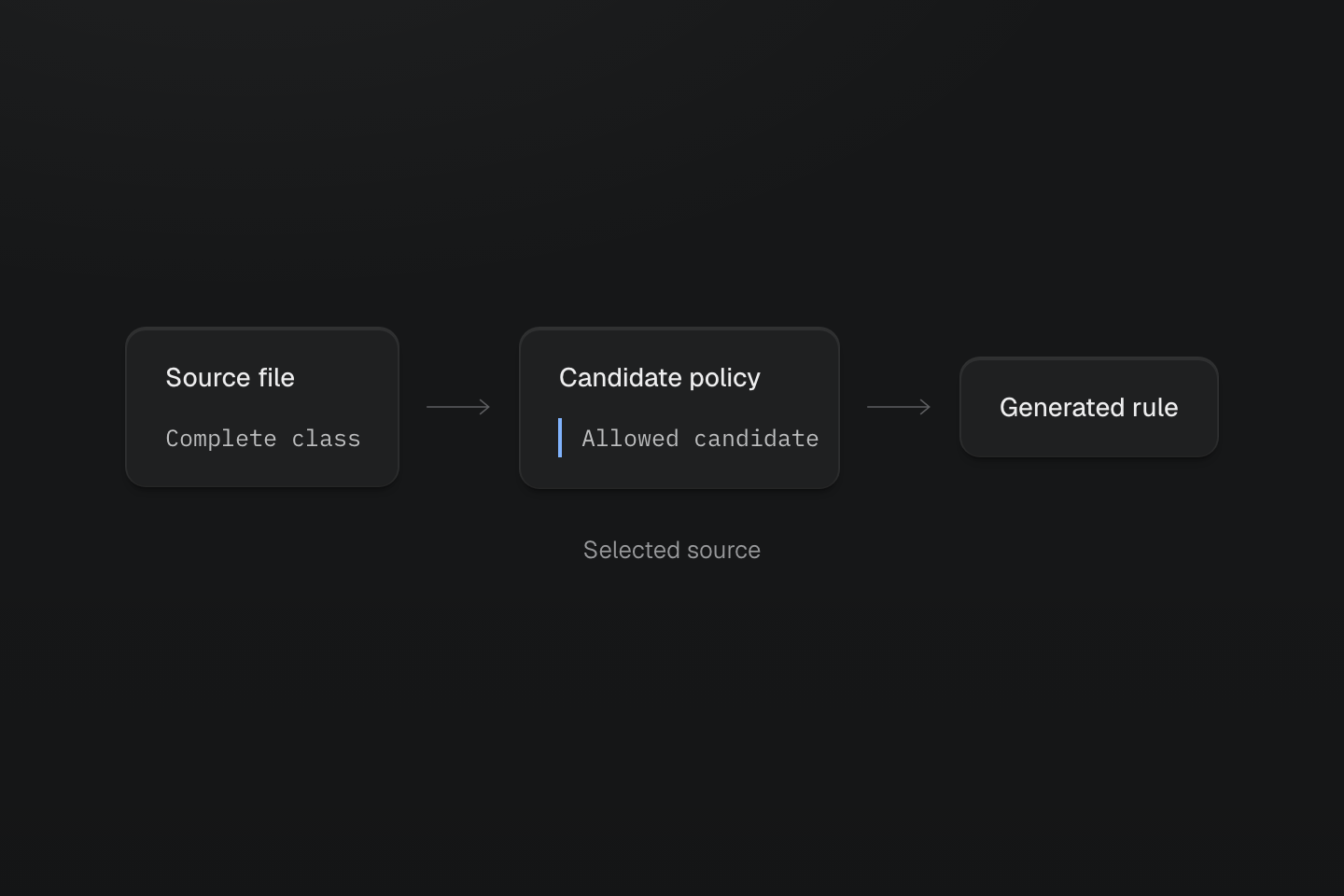
Inspect source inclusion before class policy. The diagram does not imply that class strings are evaluated as JavaScript.
Text description
A source file first supplies a complete class candidate. A separate policy gate determines whether that candidate remains; a missing source cannot supply its class.
See Scanning directives for path patterns, candidate filters and their precedence. Keep the distinction between a source file that was never read and a candidate removed by policy.
#Find why a style is missing
- Inspect the complete class against the active project manifest with the class inspection tool.
- Confirm the source file is part of the scan. Ordinary app files use integration or CLI defaults; add
@sourceonly for an explicit exception. - Check candidate policy.
@source notcan exclude a file, and@blocklistcan remove a class. Use@safelistfor a bounded set of known external classes. - If the rule was generated, check that its stylesheet is loaded on this page. If it is loaded, inspect selector matching and the winning cascade before changing source discovery.
- For a missing native rule, follow the native pruning checks, including external classes and late states. Runtime utility generation cannot recreate an arbitrary removed native selector.
See Extraction for source boundaries, candidate scanning and validation.
#Continue to native CSS delivery
#Prune unused native CSS
Native CSS is preserved by default. To remove unused native class rules, follow Prune only a known usage set. It covers file opt-in, package boundaries, retained states and keyframe dependencies after delivery ownership is established.
#Preserve a vendor stylesheet
For externally supplied classes, choose a finite safelist or preserve the owning native file. Keep external and uncertain sources safe contains the examples and policy limits.
#Verify the output
A directive in source does not prove that the integration supplied a usage set. Verify the pruning step independently provides the reproducible CLI check and explains what it establishes.