Light and dark, same markup
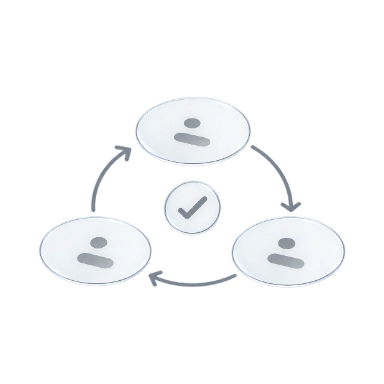
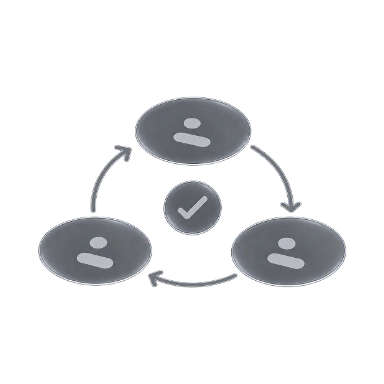
Modes swap token values, not class names. Drag the divider to see which value is in use.
npm create @master/css@2.0.0 Design system
Themes, tokens, wide-gamut color, layout and motion are all written as classes, and the CSS they generate stays predictable.
Define your theme tokensModes swap token values, not class names. Drag the divider to see which value is in use.
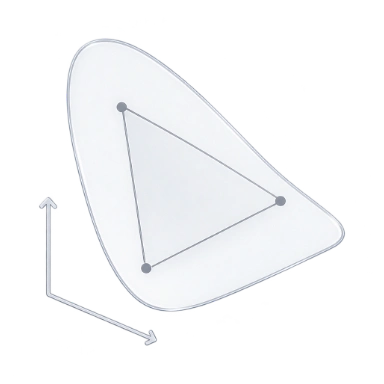
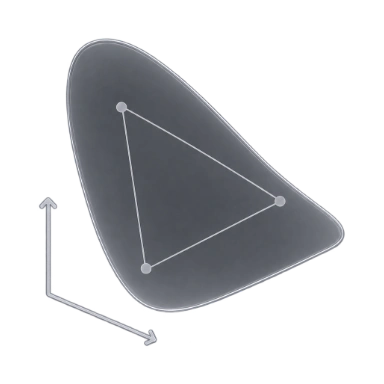
Define color, spacing, radius and type once in @theme; utilities, components and modes all read from them.
@theme { --font-family-sans: "Inter"; --spacing-md: 1rem; /* p-md */ --spacing-lg: 1.5rem; /* p-lg */ --radius-xl: 0.75rem; /* r-xl */ /* bg-surface-base */ --color-surface-base: light-dark( var(--color-zinc-0), var(--color-zinc-95) );}Grid spans, responsive layouts, animation and view transitions, written right beside the markup they style.
Click a photo to preview the transition.
Utilities sit in a later layer than components, so a class in markup wins without !important.
P3 palettes on a predictable tier scale, from deep anchors to bright accents beyond sRGB.
Editor
The language service completes classes from your manifest, shows the CSS behind each class on hover and marks colors in place.
Use the arrow keys to read the file.
Rendering
Ship static CSS by default, pre-render it into HTML or generate it in the browser. Your classes stay the same.
Compare rendering modesScan classes at build time and ship a plain stylesheet, with no runtime in the browser.
Explore this modeRender first-load CSS into the page; the runtime starts its engine only for classes outside it.
Explore this modeGenerate rules in the browser as classes appear, from editors, CMS content or playgrounds.
Explore this modebg-amber-10Scan complete class names in your source.Write the matching rules to app.css.Load the stylesheet before the page is painted.Reuse the rule already shipped in app.css.
Read the classes in the server-rendered HTML.Embed the first-load CSS in the page.Paint with the CSS that came with the HTML.Start the deferred engine for an uncovered class.
Read the page’s classes in the browser.Start the runtime and create a stylesheet.Generate and apply the rules in the browser.Insert the new rule into the browser stylesheet.
CSS size
The CSS each page loads, raw and with Brotli. Master CSS adds only the utilities a page uses; the rest is each site’s own styles.
View benchmark detailsCSS per documentation page · 2026-11-04
Lint
ESLint in your editor, the CLI in your scripts and the MCP server for agents check classes with the same rules and fixes.
See every lint rule<button class="inline-flex (color:12px)"> Save changes</button>@master/css/no-invalid-classes 1:28
$ npx @master/css-cli lint --format stylish1:28error@master/css/no-invalid-classes
→ mastercss_lint_content button.html"ruleId": "no-invalid-classes","severity": "error","loc": { "start": { "line": 1, "column": 28 } }
AI agents
The MCP server gives coding agents your manifest and lint rules, so they check their own edits and hand you fixes as diffs.
Set up the MCP servermastercss_manifest_query 12 tokens{ "kind": "token", "namespace": "spacing" } spacing-4xs … spacing-5xlplan-card.html+3 −3mastercss_inspect_class matched{ "className": "bg-surface-raised" } background-color: var(--color-surface-raised)mastercss_lint_project 4 problems{ "patterns": ["plan-card.html"] } 4 warnings, 4 fixablemastercss_preview_fixes 1 file changed{ "patterns": ["plan-card.html"] } confirmToken "Vq3zK8…Ug6J"mastercss_apply_preview Applied{ "confirmToken": "Vq3zK8…Ug6J" } Hash matched, file writtenmastercss_lint_project No problems{ "patterns": ["plan-card.html"] } 0 problemsmastercss_lint_projectNo problems
plan-card.htmlsha256 4e0a1aab…c9c0Workflow
One project manifest drives the CSS of every integration, monorepo app and route, and a snapshot comparison shows what a change touches.
Install for your frameworkEvery framework integration and the CLI load the same project manifest, so builds and editors agree.
index.cssEach file follows its nearest project, so one class can resolve differently per app.
index.cssRoute stylesheets use shared tokens, mixins and custom media without copying global rules.
.hero { display: grid; gap: var(--spacing-5xl); @media (--md) { grid-auto-flow: column; }}.plan { padding: var(--spacing-lg); @apply --raised; @media (--md) { padding: var(--spacing-5xl); }}.post { max-width: 42rem; padding: var(--spacing-lg); @media (--md) { @apply --raised; }}Change a token and compare snapshots to see the classes, files and outputs it reaches.
npm create @master/css@2.0.0