相同的标记,适配明暗主题。
模式切换改变的是令牌值,而不是类名。拖动分隔线,查看当前使用的值。
设计系统
主题、令牌、广色域颜色、布局和动态效果均可用类编写,生成的 CSS 也保持可预测。
定义主题令牌模式切换改变的是令牌值,而不是类名。拖动分隔线,查看当前使用的值。
在 @theme 中统一定义颜色、间距、圆角和排版,供工具类、组件和模式共同读取。
@theme { --font-family-sans: "Inter"; --spacing-md: 1rem; /* p-md */ --spacing-lg: 1.5rem; /* p-lg */ --radius-xl: 0.75rem; /* r-xl */ /* bg-surface-base */ --color-surface-base: light-dark( var(--color-zinc-0), var(--color-zinc-95) );}工具类所在的层比组件更靠后,因此标记中的类无需 !important 即可优先应用。
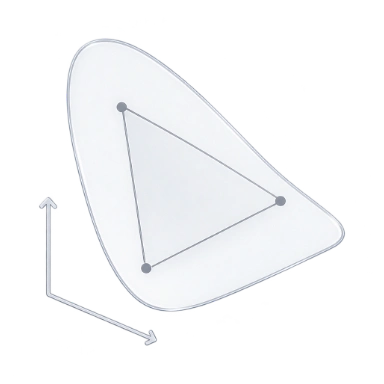
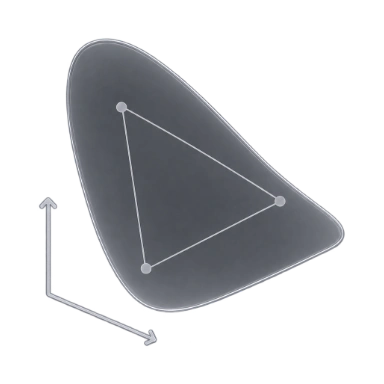
采用一致分级的 P3 调色板,从深色基调到超出 sRGB 范围的明亮强调色。
渲染
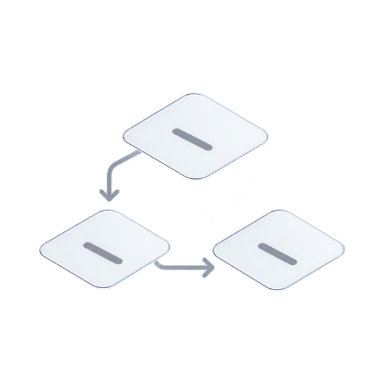
默认交付静态 CSS,也可将其预渲染到 HTML 中,或在浏览器内生成。类的写法保持不变。
比较渲染模式Scan complete class names in your source.Write the matching rules to app.css.Load the stylesheet before the page is painted.Reuse the rule already shipped in app.css.
Read the classes in the server-rendered HTML.Embed the first-load CSS in the page.Paint with the CSS that came with the HTML.Start the deferred engine for an uncovered class.
Read the page’s classes in the browser.Start the runtime and create a stylesheet.Generate and apply the rules in the browser.Insert the new rule into the browser stylesheet.
CSS 大小
比较各页面加载的 CSS,包括未压缩和 Brotli 压缩后的大小。Master CSS 只添加页面用到的工具类,其余是各站点自身的样式。
查看基准测试详情每个文档页面的 CSS · 2026-11-04
静态检查
编辑器中的 ESLint、脚本中的 CLI 和智能体使用的 MCP 服务器,依据相同的规则检查并修复类。
查看全部检查规则<button class="inline-flex (color:12px)"> Save changes</button>@master/css/no-invalid-classes 1:28
$ npx @master/css-cli lint --format stylish1:28error@master/css/no-invalid-classes
→ mastercss_lint_content button.html"ruleId": "no-invalid-classes","severity": "error","loc": { "start": { "line": 1, "column": 28 } }
AI 智能体
MCP 服务器向编程智能体提供项目清单与检查规则,使其能够检查自己的编辑,并以差异形式交付修复。
配置 MCP 服务器mastercss_manifest_query 12 个令牌{ "kind": "token", "namespace": "spacing" } spacing-4xs … spacing-5xlplan-card.html+3 −3mastercss_inspect_class matched{ "className": "bg-surface-raised" } background-color: var(--color-surface-raised)mastercss_lint_project 4 个问题{ "patterns": ["plan-card.html"] } 4 个警告,其中 4 个可修复mastercss_preview_fixes 1 file changed{ "patterns": ["plan-card.html"] } confirmToken "Vq3zK8…Ug6J"mastercss_apply_preview 已应用{ "confirmToken": "Vq3zK8…Ug6J" } 哈希匹配,文件已写入mastercss_lint_project 未发现问题{ "patterns": ["plan-card.html"] } 0 个问题mastercss_lint_project未发现问题
plan-card.htmlsha256 4e0a1aab…c9c0工作流
同一份项目清单驱动每个集成、monorepo 应用和路由的 CSS;比较快照即可查看更改的影响范围。
按框架安装所有框架集成和 CLI 都加载同一份项目清单,使构建与编辑器的结果保持一致。
index.css每个文件遵循离它最近的项目,因此同一个类可以在不同应用中解析为不同结果。
index.css路由样式表可以使用共用令牌、混入和自定义媒体,而无需复制全局规则。
.hero { display: grid; gap: var(--spacing-5xl); @media (--md) { grid-auto-flow: column; }}.plan { padding: var(--spacing-lg); @apply --raised; @media (--md) { padding: var(--spacing-5xl); }}.post { max-width: 42rem; padding: var(--spacing-lg); @media (--md) { @apply --raised; }}修改令牌并比较快照,查看受影响的类、文件和输出。
npm create @master/css@2.0.0